Pages

Saturday, 29 November 2014

Moonshine: The next generation icon pack

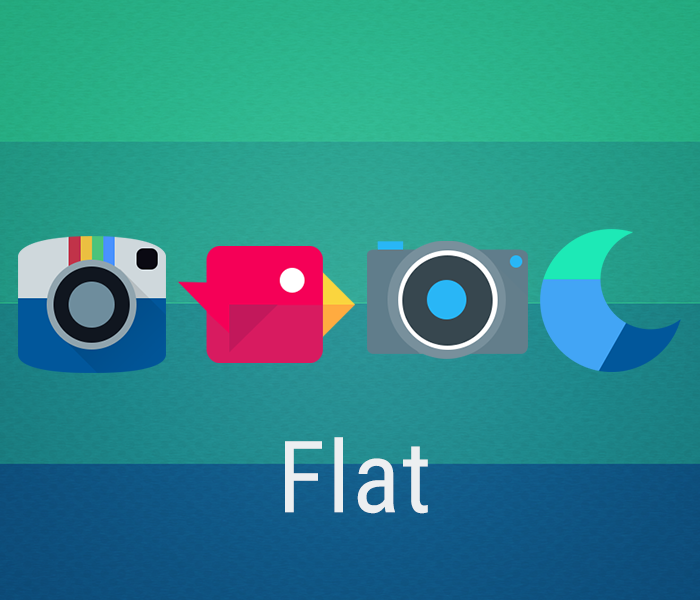
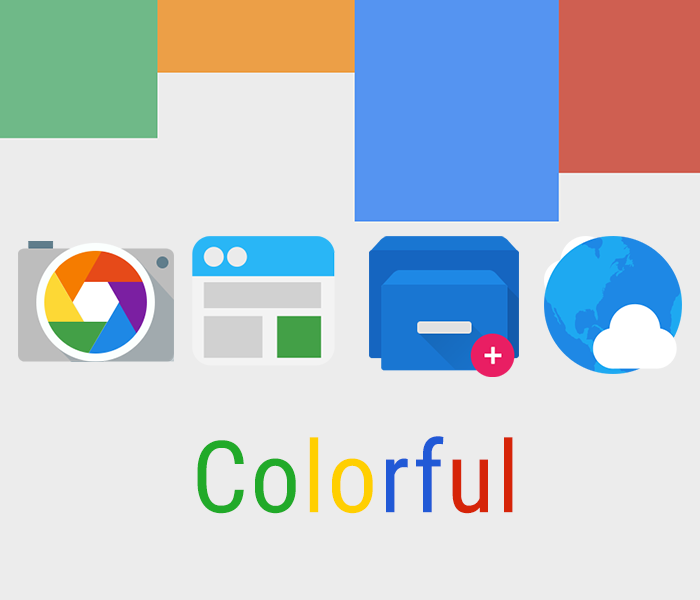
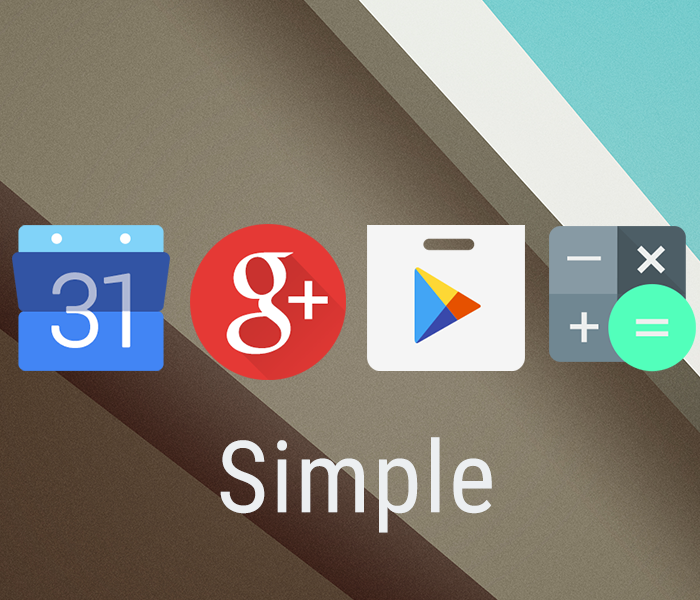
Cover artAndroid 4.5? Project Hera? Nope. it is officially time for a new look. presenting, Moonshine. This is what the developer of Moonshine, Valiant Pixels, believes. Moonshine is a simple, yet beautiful icon pack containing over 660 simple, flat and colourful icons. With simplicity and elegence packed into a single free package, Moonshine outstands any other icon pack.

Pros


  • 660+ vector icons, including icons of all Google-released apps
  • Supports all major launchers
  • 20 cloud-based wallpapers present in the app for use with the icon pack
  • Option to request icons
  • Regular updates
Cons 
  • Does not work with the stock launcher of the device. 
Moonshine - Icon Pack - screenshot

Moonshine - Icon Pack - screenshot

Moonshine - Icon Pack - screenshot


HOW TO INTEGRATE MOONSHINE WITH ANY LAUNCHER


  1. Install and open Moonshine
  2. Click on Apply Theme
  3. Select the launcher you want to integrate Moonshine with from the list.
  4. Enjoy using Moonshine!
If you have any query or suggestion related to the content of this post, please post it in the comments.

Google opinion rewards: Earn paid apps for free

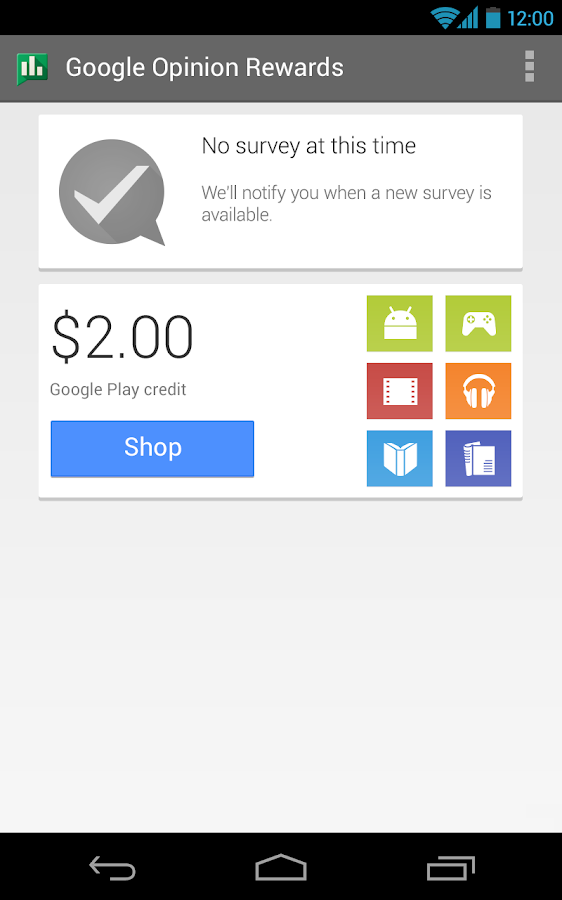
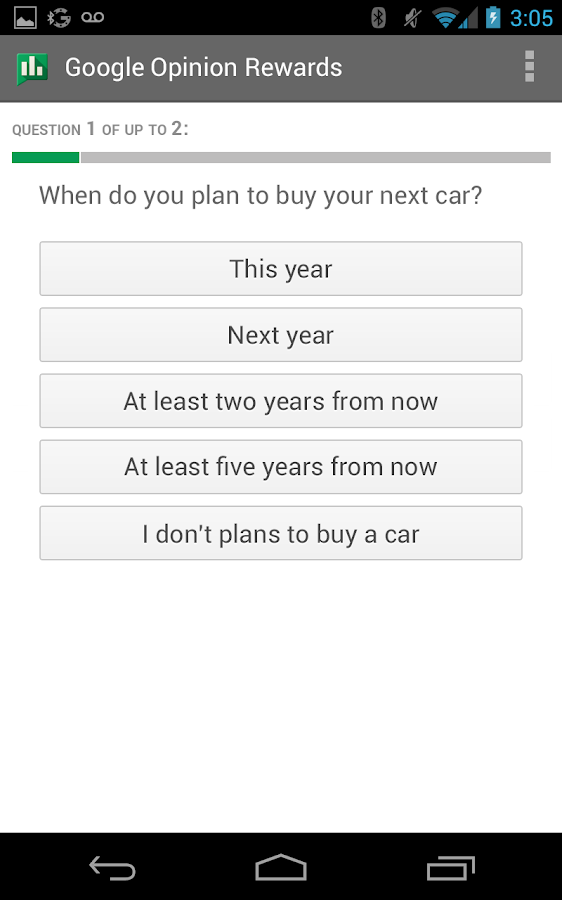
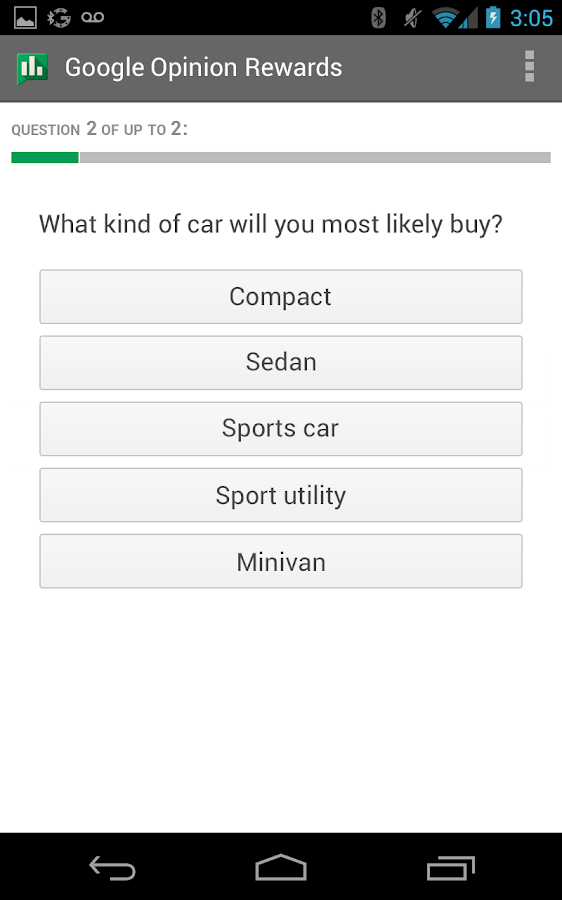
Cover artAndroid apps started off as a bit shaky, but today the quality of apps on the Play store has increased dramatically, and even paid apps have become worth paying for. But why buy these apps when you can earn then for free? While saying this, I am not indicating to any illegal means, but a golden app by the developers at Google: Google Rewards Opinion. The app asks you question about your life or your opinions, like "When do you plan on travelling next?" and "Which logo is the best?" in frequent surveys (Once-a-week, on an average. For each survey completed you get $1.

Pros


  • Great way to earn apps, books, games etc. for free
  • Short, frequent surveys asking general questions
  • Auto-notification option in the app when a short and relevant survey is ready
Cons

  • Surveys less frequent for some users
  • The app collects information regarding personal opinions which may be considered as "Private" information

                             Google Opinion Rewards - screenshot


Google Opinion Rewards - screenshot


Google Opinion Rewards - screenshot


If you have any suggestion or query regarding anything related to this post please post it in the comments.

Wednesday, 26 November 2014

Jumpy Tile: Fun but (very) addicting game

Cover artJumpy tile is based on a simple mechanism: bounce your tile around and drive it through the gaps in the walls for as long as you can. Once the tile touches any surface, game over. tapping the screen on the right side results in the tile jumping to the right, while tapping on the left results in the tile jumping to the left. Seems very easy right? Well, give it a try, you'll know how 'easy' it is.

Pros


  • Simple-to-play game with very basic controls.
  • Option of leaderboards.
Cons

  • Very tricky game; may make the user break their phones in frustration
  • Crashes often in older phones
Overall, Jumpy tile is a very addictive game. The developer, Paxplay, is noted for its simple but tricky games, some of them being poptile and sperm race. Let me know your high score when you play!

Animania: The anime lover's app

Any otakus like me out there? If you are one, i.e. you love to watch anime, this post is for you. Anime is hugely popular today, with over half the world's population watching one anime or the other. Anime is easy to watch on a PC, but the same cannot be said for phones. Some mobile websites DO provide option to watch anime, but there is one issue or the other. And so I present Animania: an app which will let you do more than simply watching your favourite Anime.

Pros

  • Watch your favourite anime for free.
  • Option to download episodes to watch when not connected to the internet.
  • Option to set Favourite Anime in the app.
  • Seen mark near each episode in an anime episode list which can be toggled on or off to keep track of seen and unseen episodes.
  • Chatroom option to discuss anime with other users.
Cons
  • 20-second advertisements before each episode which can be really time-wasting in the long run.
  • Problems with the size and translation in subtitles in some episodes.     


Anime does not consist of only episodes, manga plays a greater role in it. The developer of the app thus created another app, Mangania, to cater to the user's manga needs. The features of Mangania, including the layout and graphics of the app, are the same as Animania, except that Animania has a blue outlining to it while Mangania has green outlining.


The developer of Animania and Mangania has also created three more apps, Dramania, Toonmania and Flapworld. Dramania focuses on episodes of Japanese drama, Toonmania on dubbed episodes of Anime and episodes of cartoons and Flapworld is a game inspired from the popular FlappyBird. 


All of these apps are available for download for free on mobi24.net .

Retrica: The selfie camera

RetricaSelfies have become increasingly common nowadays, and many galleries are filled more with selfies than original pictures. All you need is a phone with a good front camera and you're set; No need for someone to click the photo while you pose for the camera. But a good filter and editing options can change the way the photo looks; from good to awesome. This is where Retrica stands out; with its awesome collection of filters and collage options, it surpasses any other camera app in terms of photography.

Pros


  • 55 exclusive filters readily available for use
  • Filters can be applied even before clicking the photo
  • 16 stylish retrica logos available to put at the bottom right corner (Logo can be turned off in settings)
  • Option to create photo collages with filters applied, where photos are clicked after adjustable time intervals
  • Additional features like Vignette, out-of-focus blur, self-timer and selectable borders
  • (Pro) 25 more filters available in pro version
  • Option to share photos on social networks after clicking them present in the app itself
Cons

  • Takes time in capturing and processing pictures, so pictures may not be captured properly if the target person/object moves away before the capturing of the picture.
  • Problems in catching up of the view with the movement of the device in some devices
  • Photo quality issues in some devices
  • Retrica does not support the flashlight
  • (Android) Filters cannot be applied on photos if they have been taken by some other app.
  • (Android) Problems in seeing image preview in devices running on Android 2.x

Monday, 24 November 2014

LinkBubble: The browser with a twist

We all have wasted those extra minutes while waiting for the website to load on our mobile browser. Wouldn't it have been wonderful if the pages would have loaded in the background, while allowing us to continue doing our work? Well, maybe Chris Lacy, the developer of LinkBubble must be facing the same problem, because then he created LinkBubble, a browser designed keeping mobile devices solely in mind. Link Bubble is a one-of-its-kind browser which offers many excellent features that make mobile browsing faster,smarter,better.

Pros


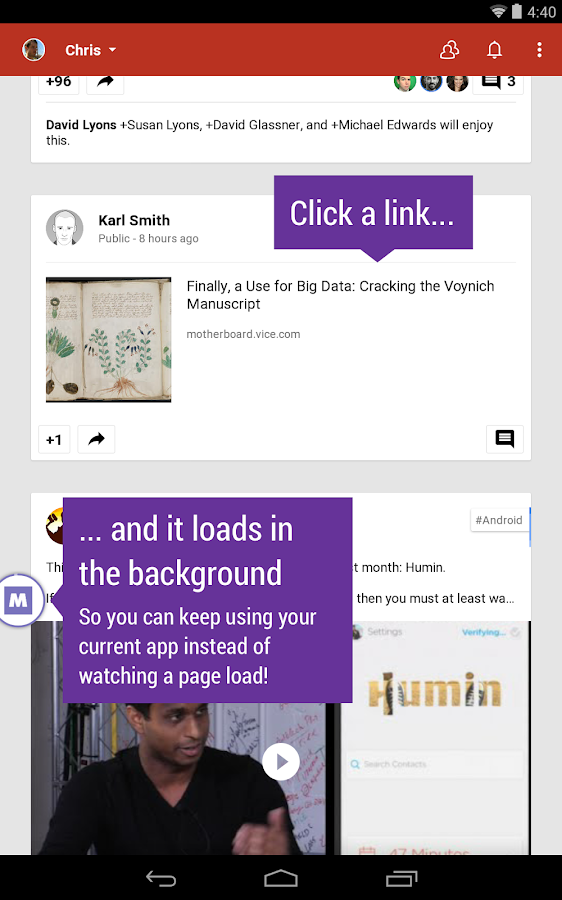
  • When you click on a link in an app, Link Bubble loads that webpage in the background, leaving you free to keep using your current app rather than your precious time being wasted watching a page load. Once the page has fully loaded, it will animate on screen.
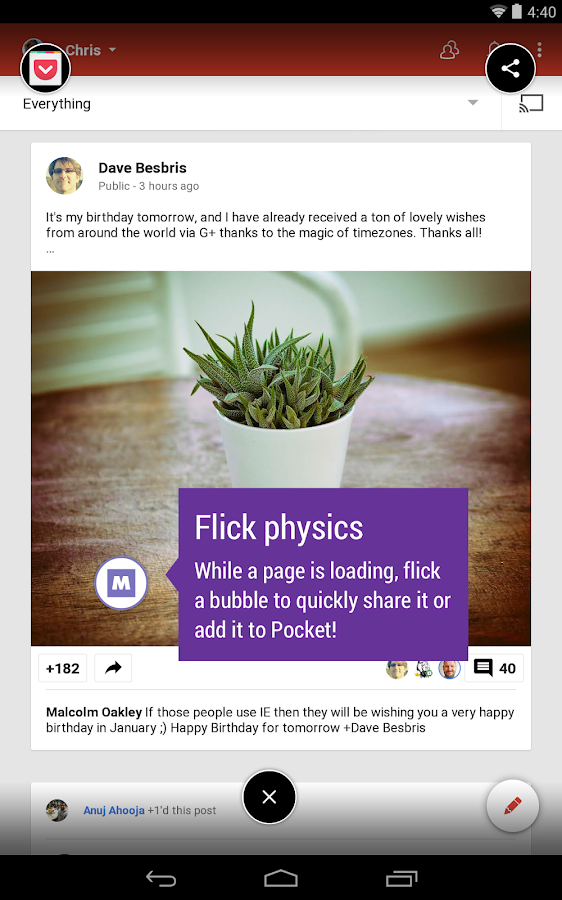
  •  Link Bubble's flick physics allow you to go from clicking a link to sharing a link or adding it to a service such as Pocket in little more than a second!
  •  Gracefully handles links that redirect to other apps. No longer does clicking an Instagram link in Twitter redirect to a full screen browser before loading Instagram!
  • Deep integration with the apps on your system.
  •  Locates embedded YouTube videos on web pages, and provides a shortcut to load those videos directly in the YouTube app.
  • Handy stats that illustrate how much time you are saving by using Link Bubble.
  • (Pro) Light and dark theme and reading mode available 
Link Bubble Browser - screenshot

Link Bubble Browser - screenshot                       

C

Cons
  • Free version only has 1 tab available


Sunday, 23 November 2014

Nanu: Making Free Calls


nanu - free calls for everyone - screenshotIf only there was option to make free calls- This thought might have come across your mind after looking at the pop-up message showing the whooping amount of balance deducted after a long phone call. But this is no longer a wish as the developers at HelloNanu have given it the shape of an app - Nanu - which aims at delivering free calls to everyone.

Pros


  • This app is available for all devices running at Android 2.3 and up, and provides free calls even over 2G. 
  • Nanu to nanu calls are completely free of cost.
  • The app integrates with the user's contact book and also shows which contacts are already using nanu.
  • The call is made using the user's number and not a strange number
Cons

  • Nanu to non-nanu calls run on a system of minutes as balance. But this cannot be considered as a very big disadvantage as minutes can be earned by doing certain activities. For example, each time you share nanu with a contact (from an option in the app) you get credited with 10 minutes, providing that the contact installs the app and registers.
  • In some older models of android phones, the voice comes muffled and indistinguishable from background noise 

TO REGISTER


The installation of nanu is fairly easy. First it will ask for the number which is to be used for nanu. Be careful to select the correct country from the drop-down list. Then after you click verify a message containing the confirmation code will be sent to the respective phone number. Once the code has been entered and verified the app will show a brief introduction and then a dialpad, which will be used to make calls. 


BASIC GUIDELINES FOR USE


  1. All calls, whether nanu to nanu or nanu to non-nanu, should have the country code before them
  2. Nanu to non-nanu calls will need a + sign, while nanu to non-nanu calls don't need a + sign. For example, a nanu to nanu call in Singapore will be dialed as 65XXXXXXXXXX, while a nanu to non-nanu call will be dialed as +65XXXXXXXXXX.
That was all about nanu. Enjoy using it! If you have any queries or suggestions regarding this post or the app, kindly post them in the comments.
160by2: Sending free SMS

Today, with the coming of various free instant messaging apps like Whatsapp, Viber, Skype, Kik, Kakaotalk etc. paid simple messaging has lost some importance in  terms of use. But not completely. We still use it extensively, if we want some important information to be delivered instantly without talking any chances or if the person we're talking with doesn't have these apps. Wouldn't it have been easier on the phone balance if these messages could also be sent for free? There IS a way to even send these messages for free. The website 160by2 offers you free messaging to anyone across India, with a facility to even earn recharge for free if you have enough funbucks.

Pros:
  • The website just sends the text send through the message, unlike Way2SMS and Fullonsms who, along with the messages, send their own footnotes with the message. Way2SMS sends "Sent through Way2SMS" footnote, while FullonSMS sends "Trending" and then a shortened link which redirects to the news section of their website.
  • It offers the facility to earn recharge through funbucks.
  • It has a browser extension which enables you to share a webpage and send a little of your own text too.
  • The messages sent through this website get delivered instantly.
  • At the right of the screen it has some useful readymade messages.
  • There is an option to make a contact book.
Cons:

  • There is no mobile app for this portal. The way I overcame this problem was by accessing the website through the mobile browser. Messages can be sent, but many of the features are not available.
TO SET UP YOUR ACCOUNT ON THIS PORTAL

Step 1: Go to www.160by2.com

Step 2: Click on "Skip & go to 160by2".  If you have already registered, proceed to step 6. 


Step 3: Click on Register Now.


Step 4: Enter the required details in the form. Then click on "Create my free account".

Step 5: You'll receive a confirmation code on your phone. Enter that code in the required field to confirm                   making the account.

Step 6: Enter your username and password on the login page.

There you go. Now you have an account on 160by2. To send a message, simply click on send free message and then enter the mobile no. and message to be sent.


TO ADD A CONTACT

Step 1: In the Free SMS pane, click on contacts.

Step 2: Enter the required details of the contact you want to add, and click on add contact.


This was all about the basic functioning of 160by2.com. For any query regarding anything related to this post, please post it in comments.